Zero-Day Safety Delay
Hold newly published package versions for a set number of days before developers and pipelines can install them. The ecosystem gets time to flag a malicious release before it reaches your builds.
New versions are installed within minutes of release
Dependency bots and fresh installs pick up a new version as soon as it matches a range. Malware feeds need time to flag a bad release, and installs in that gap get whatever was published.
- Attacks are timed for the gap
- The shai-hulud packages on npm were published to be installed before detection caught up.
- Package managers do not wait by default
- npm, pip and Maven install the newest matching version, however old it is.
- Manual blocks come too late
- By the time someone blocks a bad version by hand, CI runners have already installed it.
How it works with Dependency Firewall
1Add a delay rule
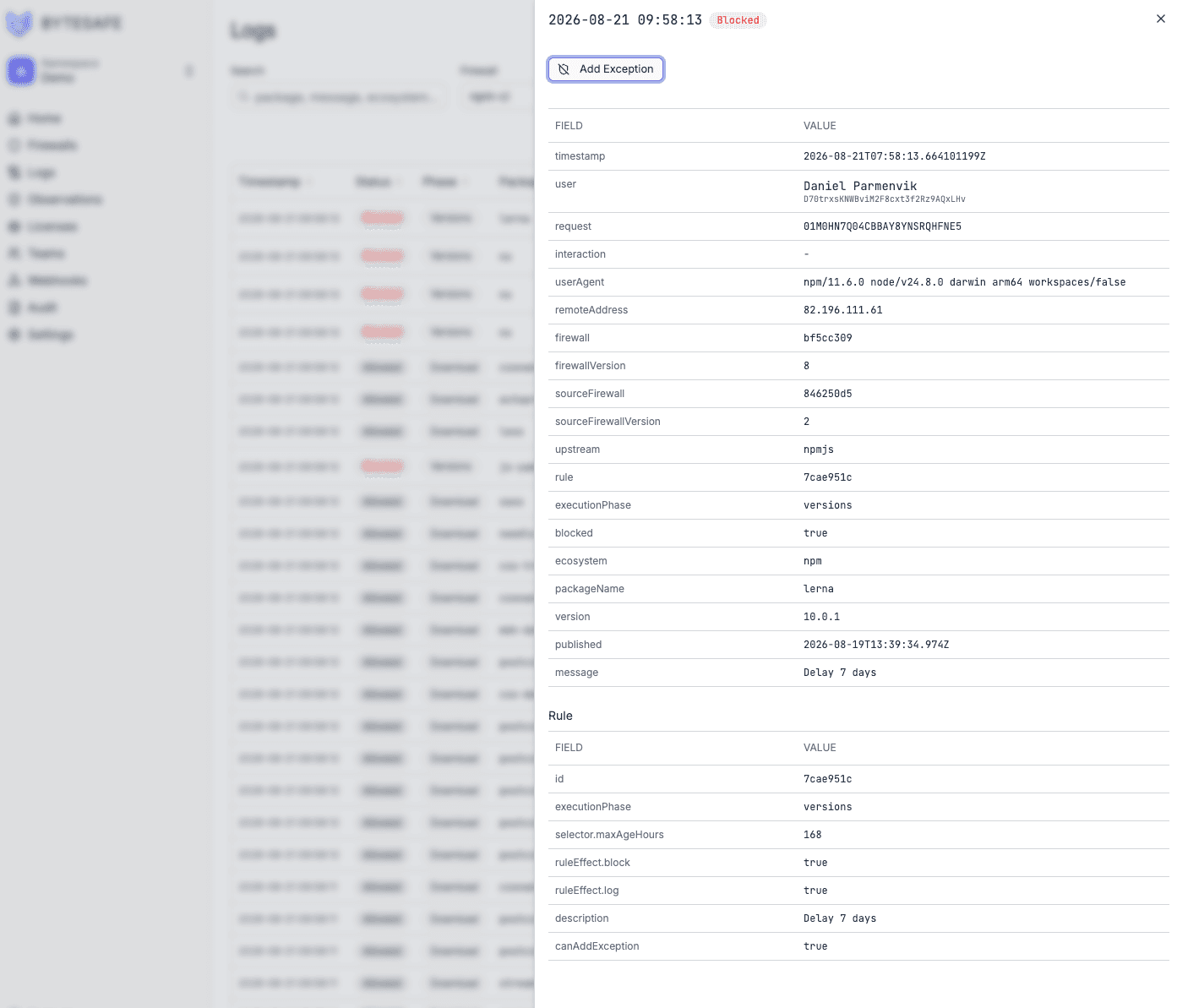
Set the age per firewall, for example 7 days for npm and 14 days for Maven. Put it on the baseline to cover every team.
2New versions are left out
While a version is younger than the delay, the firewall leaves it out of the version list. The package manager resolves the newest version that is old enough.
3Exceptions for urgent fixes
When you need a fix the day it ships, add a time-limited exception for that package and version.
See what the delay held back
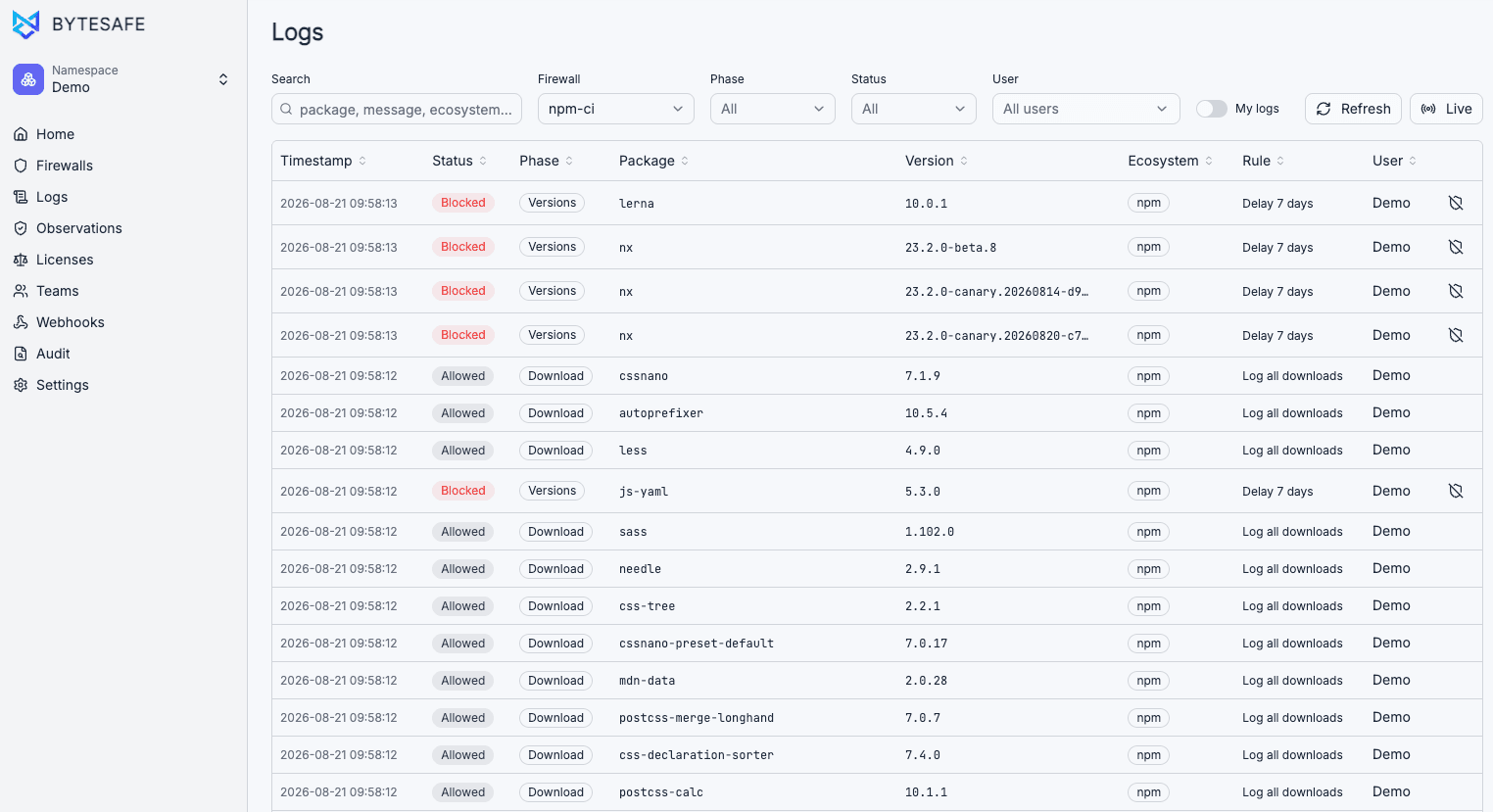
Delayed versions show up in the logs next to normal downloads, with the package, version and rule.
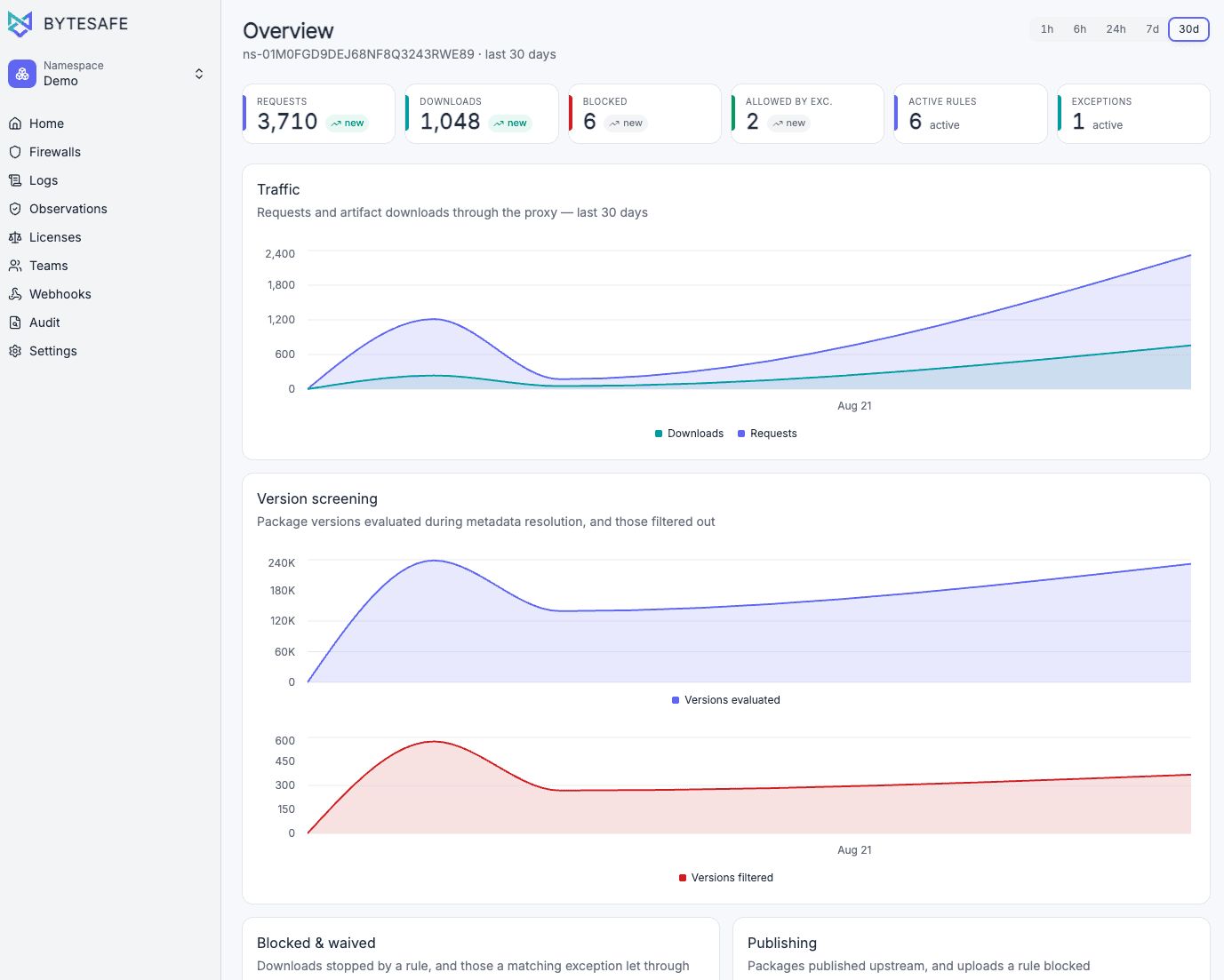
Versions filtered over time
The dashboard counts the versions evaluated during metadata resolution and the ones the rules filtered out.
Who works with it
- Security teams
- Set the delay once on the baseline. New releases stay out of every team's builds until they are old enough.
- Developers
- Installs keep working. They get the newest version that has passed the delay.
- Platform engineers
- The same rule applies on CI runners and laptops, with no configuration per repository.
Questions
What if we need a specific new version now?
Add a time-limited exception for that package and version. It is logged for audit.
How is the delay set?
In hours on the rule. 168 hours is 7 days. Use different delays on different firewalls if an ecosystem or team needs it.
What if the only matching version is inside the delay window?
Then no version is old enough to serve, and the install fails with the delay rule in the log. Add an exception if you need that version before the window ends.
Does the delay apply to internal packages too?
You choose which upstreams it applies to. It is typically set on public registry upstreams only.
More Dependency Firewall use cases
All use cases- Malware BlockingBlock malicious packages and account-takeover payloads before anyone installs them.
- Vulnerability Blocking at InstallStop packages with known CVEs at the registry before they land in a build.
- CI/CD Pipeline ProtectionRoute CI/CD pipelines through Dependency Firewall and enforce the same rules on every build.
- Dependency Confusion PreventionEnsure internal packages always resolve from your private registry, never from a public one.
- License Enforcement at InstallBlock packages with disallowed open source licenses before they land in a build.
Try it on one registry
Point one package manager at Dependency Firewall and check the log after the next install. The trial runs 14 days.